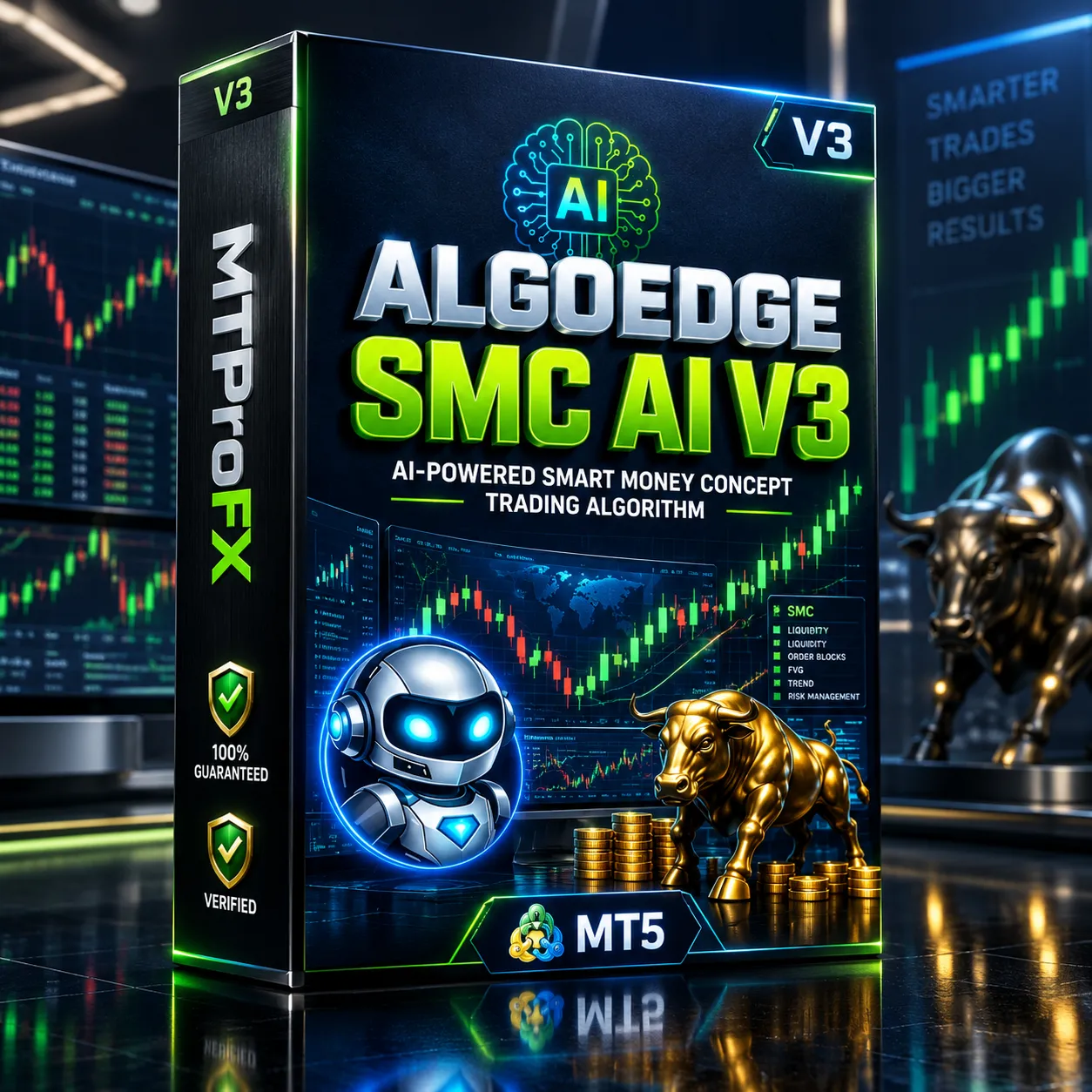
AlgoEdge SMC AI EA V3 MT5: Advanced Smart Money Concept Forex Robot Guide
$16.99
95.02% OFF☑️ AlgoEdge SMC AI EA V3 MT5 is an automated trading Expert Advisor for MetaTrader 5 (MT5) designed around Smart Money Concept (SMC) and market-structure analysis. Public V3 information highlights XAUUSD trading, order-block analysis, break-of-structure concepts, and configurable risk parameters. The EA is intended to automate parts of the trading process so users do not have to manually monitor charts continuously. However, traders should verify the exact V3 settings, supported symbols, broker requirements, and performance data before using it on a live account.
What is AlgoEdge SMC AI EA V3 MT5?
The EA is intended to automate parts of the trading process so users do not have to manually monitor charts continuously. However, traders should verify the exact V3 settings, supported symbols, broker requirements, and performance data before using it on a live account.
Recommended Trading Currency Pairs
XAUUSD — Gold vs US Dollar
XAUUSD appears to be the principal instrument for this EA. Gold is particularly relevant to SMC-style trading because traders commonly analyze:
☑️ Market structure
☑️ Break of Structure (BOS)
☑️ Liquidity zones
☑️ Order blocks
☑️ Price displacement
☑️ Support and resistance
☑️ Volatility expansions
Some public posts discussing the AlgoEdge SMC EA also mention BTC alongside XAUUSD, but this should be treated as an externally reported setup rather than a confirmed universal V3 specification.
Recommendation: Before attaching the EA to another symbol, confirm that the V3 manual or supplied .set file explicitly supports that instrument.
AlgoEdge SMC AI EA V3 MT5 Features
AlgoEdge SMC AI EA V3 MT5 – Best Settings
For initial testing, use the supplied V3 .set file if one is provided with the product. Public listings indicate that a set file and user manual have been distributed with AlgoEdge versions.
A practical configuration approach is:
☑️ Platform: MetaTrader 5
☑️ Primary symbol: XAUUSD
☑️ Initial environment: Demo account
☑️ Risk: Start conservatively rather than using aggressive percentage riskExecution: Use a broker with competitive spreads and reliable execution
☑️ VPS: Recommended for continuous automated operation
☑️ Testing: Use MT5 Strategy Tester before live deployment
☑️ Optimization: Avoid excessive optimization that produces settings fitted only to historical data
For live trading, users should avoid simply increasing lot size because a backtest produced attractive historical results. Backtesting cannot guarantee future performance.
Instructions for Installing AlgoEdge SMC AI EA V3 MT5
Obtain the AlgoEdge SMC AI EA V3 MT5 files from a trusted source and make sure the version is actually V3.
☑️ Step 2: Open MetaTrader 5
Launch your MT5 desktop terminal.
☑️ Step 3: Open the Data Folder
Navigate to:
File → Open Data Folder
Then open:
MQL5 → Experts
☑️ Step 4: Copy the EA
Place the supplied EA file into the Experts folder.
If the package contains supporting files, follow the included manual rather than moving files randomly.
☑️ Step 5: Restart or Refresh MT5
Restart MetaTrader 5 or refresh the Expert Advisors section in the Navigator.
☑️ Step 6: Attach the EA
Open an appropriate chart, such as XAUUSD, and drag the AlgoEdge SMC AI EA V3 onto the chart.
☑️ Step 7: Enable Automated Trading
Make sure the MT5 Algo Trading function is enabled and that the EA has the permissions it requires.
☑️ Step 8: Configure Settings
Load the supplied .set file if available, then review:
Risk settings
Lot sizing
Trading hours
Stop-loss parameters
Take-profit parameters
Maximum positions
Symbol/timeframe requirements
☑️ Step 9: Demo Test
Run the EA on a demo account first. Monitor spreads, execution, drawdown, trade frequency and behavior during different market conditions.
☑️ Step 10: Consider a VPS
A VPS can help keep MT5 running continuously when automated trading is intended to operate around the clock.
Who Should Use AlgoEdge SMC AI EA V3 MT5?
☑️ Already understand MetaTrader 5
☑️ Want to explore automated SMC-based trading
☑️ Trade or monitor XAUUSD
☑️ Understand leverage and trading risk
☑️ Are comfortable testing EAs before live deployment
☑️ Want configurable risk controls
☑️ Prefer systematic execution rather than manually watching every setup
It is particularly important for beginners to understand how an EA opens, manages and closes trades before using real money.
Download AlgoEdge SMC AI EA V3 MT5
Download AlgoEdge SMC AI EA V3 MT5Pros and Cons
Pros
Cons
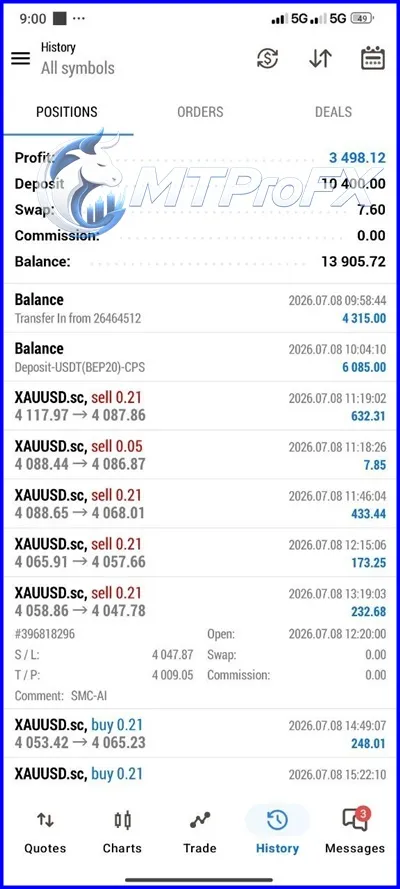
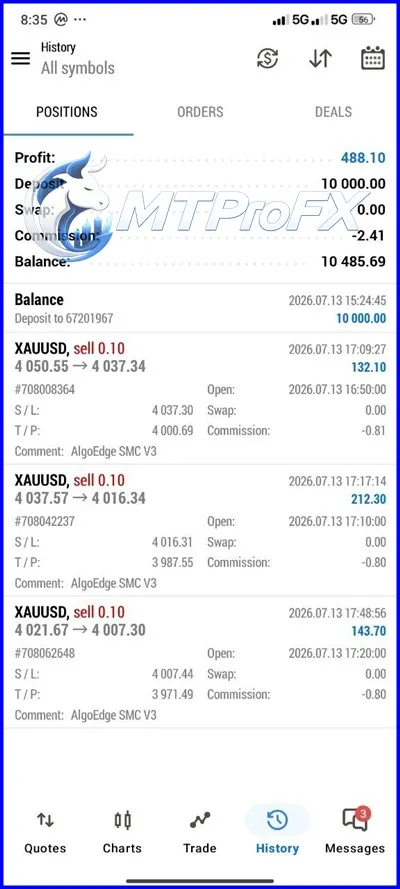
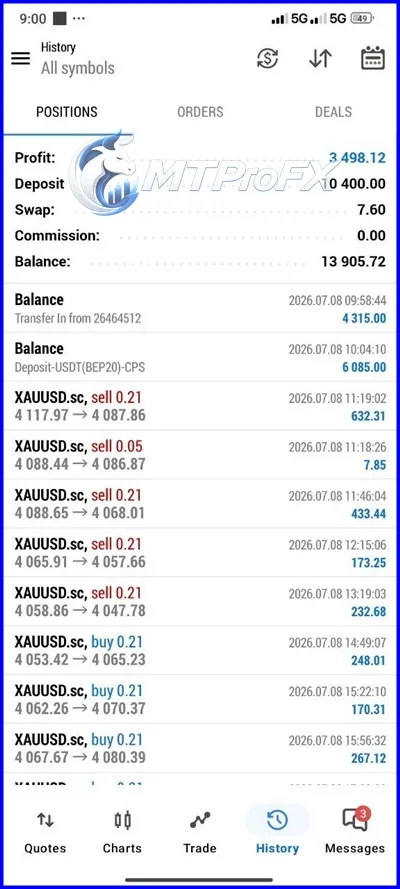
Backtest Results
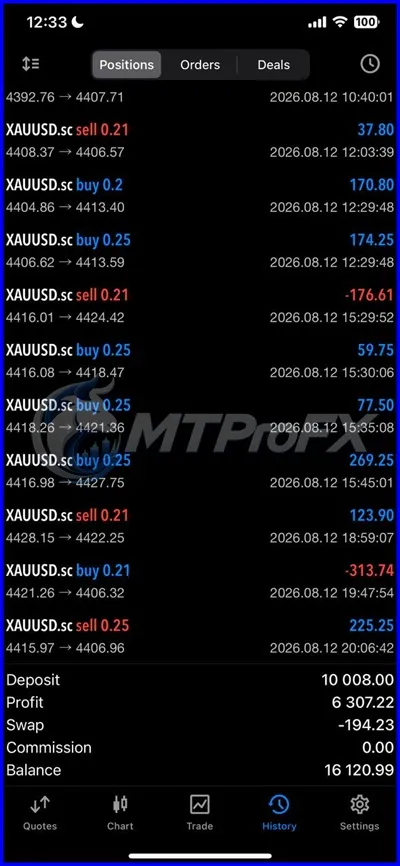
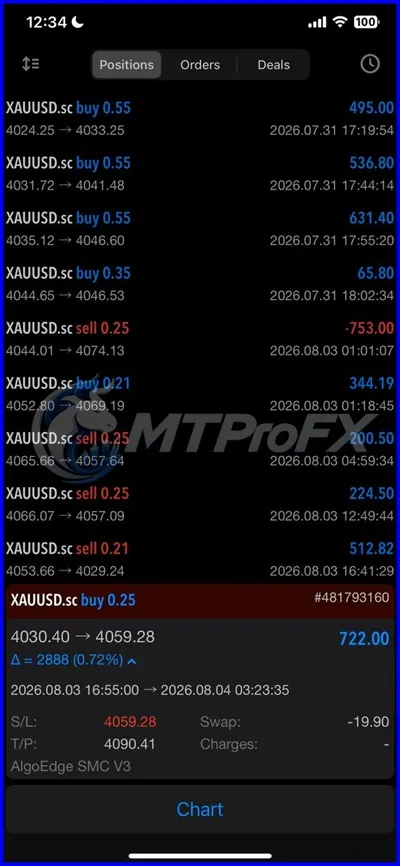
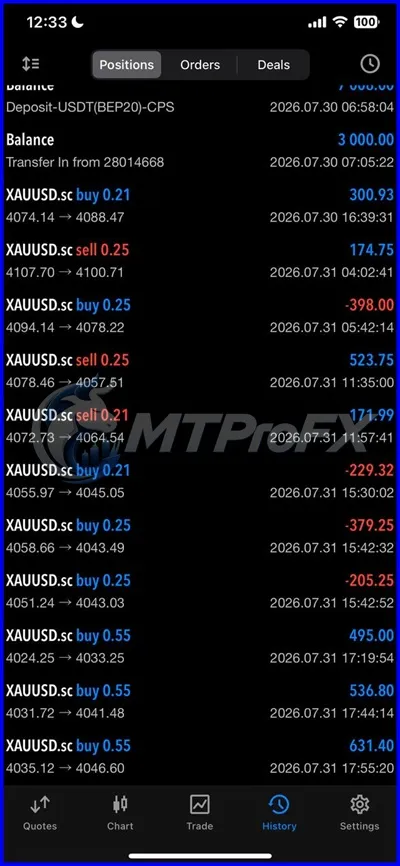
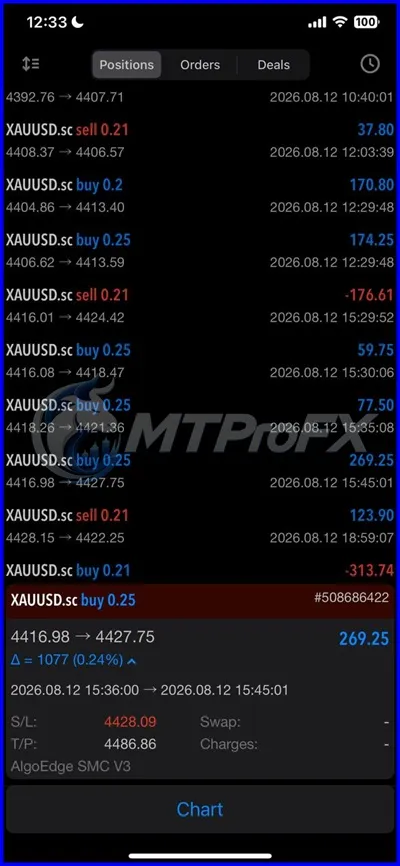
Final Verdict – Is AlgoEdge SMC AI EA V3 MT5 Worth It?
Its main appeal is the attempt to automate an SMC-oriented trading methodology rather than requiring the trader to manually monitor every potential setup. At the same time, publicly available information does not establish independently audited future performance, so traders should verify the exact V3 package and settings and conduct substantial demo and forward testing before considering live use.
Risk disclaimer: Forex, CFDs and leveraged products involve substantial risk. Past performance and backtest results do not guarantee future results. This article is for educational and informational purposes and should not be considered financial advice.
What's Included
Login to add your review.
A useful EA to experiment with if you already understand SMC trading. The main thing I would suggest is testing it under your own broker conditions before using real capital.