Back to Products
 0.0 (0 reviews)


Featured
Bestseller
Expert Advisors
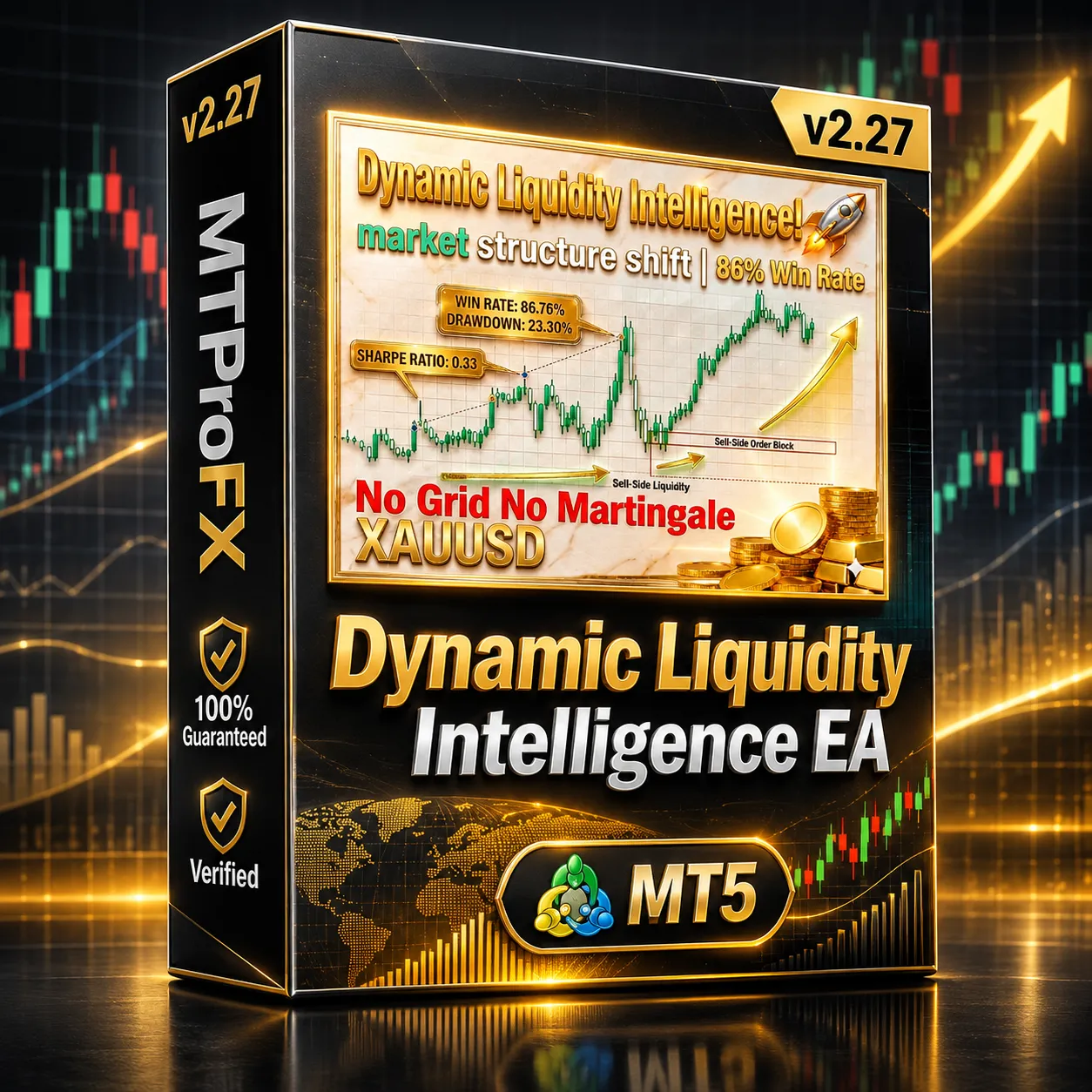
Dynamic Liquidity Intelligence EA MT5 V2.27 – Smart Forex Trading Tool
$190.00
$16.99
91.06% OFF☑️ Dynamic Liquidity Intelligence EA MT5 V2.27 is an automated Forex trading Expert Advisor for MetaTrader 5, designed around liquidity-focused trading concepts. Featuring Slippage & Spread Safeguards, it helps traders consider execution conditions while exploring automated trading opportunities across supported currency pairs.
What is Dynamic Liquidity Intelligence EA MT5 V2.27?
☑️ Dynamic Liquidity Intelligence EA MT5 V2.27 is an automated Forex trading tool designed for the MetaTrader 5 (MT5) platform. It is intended to assist traders with market analysis and automated trade execution while considering important trading conditions such as market liquidity, spreads, and slippage.
The EA focuses on liquidity-aware trading conditions, helping traders avoid potentially unfavorable execution environments. Its Slippage & Spread Safeguards are particularly relevant for managing execution risks during periods of increased market volatility or reduced liquidity.
By automating trading operations, Dynamic Liquidity Intelligence EA V2.27 can help reduce manual trading activities and provide a structured approach to algorithmic Forex trading.
Whether you are exploring automated trading or looking to expand your existing EA portfolio, this trading tool offers an opportunity to explore liquidity-focused trading automation.
Recommended Trading Currency Pairs
Dynamic Liquidity Intelligence EA MT5 V2.27 can be evaluated on major Forex currency pairs with generally high trading activity and liquidity.
Recommended currency pairs for initial testing:
☑️ EURUSD – Popular major pair with generally competitive spreads.
☑️ GBPUSD – Suitable for evaluating trading conditions during active London sessions.
☑️ USDJPY – A widely traded pair with substantial market participation.
☑️ AUDUSD – Worth testing during active Asia-Pacific trading hours.
☑️ USDCAD – Another major pair to evaluate under different liquidity conditions.
☑️ USDCHF – Suitable for testing execution conditions across different market sessions.
Additional instruments to evaluate:
☑️ XAUUSD (Gold)
☑️ EURJPY
☑️ GBPJPY
Start with major Forex pairs before experimenting with additional instruments. Actual compatibility and profitability depend on the EA's internal strategy, broker conditions, account type, and market environment.
Dynamic Liquidity Intelligence EA MT5 V2.27 Features
Liquidity-Aware Trading Approach - The EA is designed around liquidity-focused trading concepts, aiming to consider market conditions when identifying potential trading opportunities.
Slippage & Spread Safeguards - One of the highlighted features is its Slippage & Spread Safeguards.
Automated Trading on MT5 - The Expert Advisor operates through MetaTrader 5, allowing traders to automate supported trading operations without manually monitoring every potential entry.
Market Condition Awareness - Liquidity and execution conditions can change throughout the trading day. A liquidity-focused approach can help traders consider these changes when evaluating trading opportunities.
Configurable Trading Environment - Traders can configure supported EA parameters according to their account size, broker specifications, and preferred risk exposure.
Risk Management Considerations - Automated trading should always be combined with appropriate position sizing, drawdown monitoring, and risk management practices.
Dynamic Liquidity Intelligence EA MT5 V2.27 – Best Settings
The best settings depend on the broker, account type, trading instrument, and market conditions. The following recommendations provide a starting point for testing rather than guaranteed profitable configurations.
Recommended starting configuration:
☑️ Platform: MetaTrader 5.
☑️ Account Type: Demo or low-risk live account.
☑️ Currency Pair: EURUSD for initial evaluation.
☑️ Timeframe: Use the timeframe recommended by the EA developer. If unspecified, test M15 and M30 separately.
☑️ Risk Level: Start with conservative risk exposure.
☑️ Lot Size: Use the smallest practical fixed lot supported by your broker.
☑️ Spread Protection: Enable the available spread safeguards.
☑️ Slippage Protection: Enable the available slippage safeguards.
☑️ Maximum Risk: Keep exposure within a predefined account risk limit.
☑️ Trading Sessions: Evaluate London and New York sessions.
☑️ VPS: Recommended for consistent connectivity and uninterrupted operation.
Additional Optimization Tips
☑️ Avoid changing multiple EA parameters simultaneously.
☑️ Test the EA using historical data where supported.
☑️ Forward-test on a demo account before using real capital.
☑️ Compare execution quality across different brokers.
☑️ Avoid increasing lot sizes to recover previous losses.
☑️ Monitor spreads during high-impact economic announcements.
Important: These are general testing recommendations, not verified default parameters. Always follow the official EA manual for exact input values and supported settings.
Instructions for Installing Dynamic Liquidity Intelligence EA MT5 V2.27
Follow these steps to install Dynamic Liquidity Intelligence EA MT5 V2.27 on MetaTrader 5.
☑️ Step 1: Download the EA
Download the Dynamic Liquidity Intelligence EA MT5 V2.27 package and extract the files if they are provided in a compressed ZIP folder.
☑️ Step 2: Open MetaTrader 5
Launch your MetaTrader 5 trading terminal.
☑️ Step 3: Open the Data Folder
Navigate to:
File → Open Data Folder
☑️ Step 4: Copy the EA File
Open the following directory:
MQL5 → Experts
Copy the Dynamic Liquidity Intelligence EA file into this folder.
☑️ Step 5: Restart MetaTrader 5
Restart the platform or refresh the Expert Advisors section in the Navigator window.
☑️ Step 6: Attach the EA to a Chart
Open your preferred trading currency pair and timeframe. Drag the EA onto the chart.
☑️ Step 7: Configure Settings
Adjust the available parameters according to your broker, account balance, and risk management preferences.
☑️ Step 8: Enable Automated Trading
Enable Algo Trading in MetaTrader 5 and confirm that the EA has the necessary permissions.
☑️ Step 9: Monitor Performance
Check the Experts and Journal tabs for errors and monitor trading activity regularly.
Who Should Use Dynamic Liquidity Intelligence EA MT5 V2.27?
This Expert Advisor may be suitable for:
☑️ Forex Beginners: Traders interested in learning about automated Forex trading.
☑️ Algorithmic Traders: Users exploring liquidity-focused automated strategies.
☑️ MT5 Users: Traders who prefer the MetaTrader 5 trading environment.
☑️ Busy Traders: Individuals who cannot continuously monitor the Forex market.
☑️ Experienced EA Users: Traders interested in evaluating additional automated trading systems.
☑️ Risk-Conscious Traders: Users who value execution safeguards and structured risk management.
It is important to understand the EA's strategy and test its performance before deploying it on a live trading account.
Download Dynamic Liquidity Intelligence EA MT5 V2.27
Download Dynamic Liquidity Intelligence EA MT5 V2.27Pros and Cons
Pros
Designed for automated Forex trading.
Supports the MetaTrader 5 environment.
Highlights liquidity-aware trading concepts.
Includes Slippage & Spread Safeguards as a key feature.
Can reduce the need for continuous manual monitoring.
Offers an opportunity to evaluate different Forex instruments.
Suitable for demo testing and strategy evaluation.
Cons
Performance depends on broker execution conditions.
Slippage protection cannot eliminate all execution risks.
Wide spreads can still affect trading opportunities.
Requires proper configuration and monitoring.
Live trading involves the possibility of financial losses.
Profitability is not guaranteed under all market conditions.
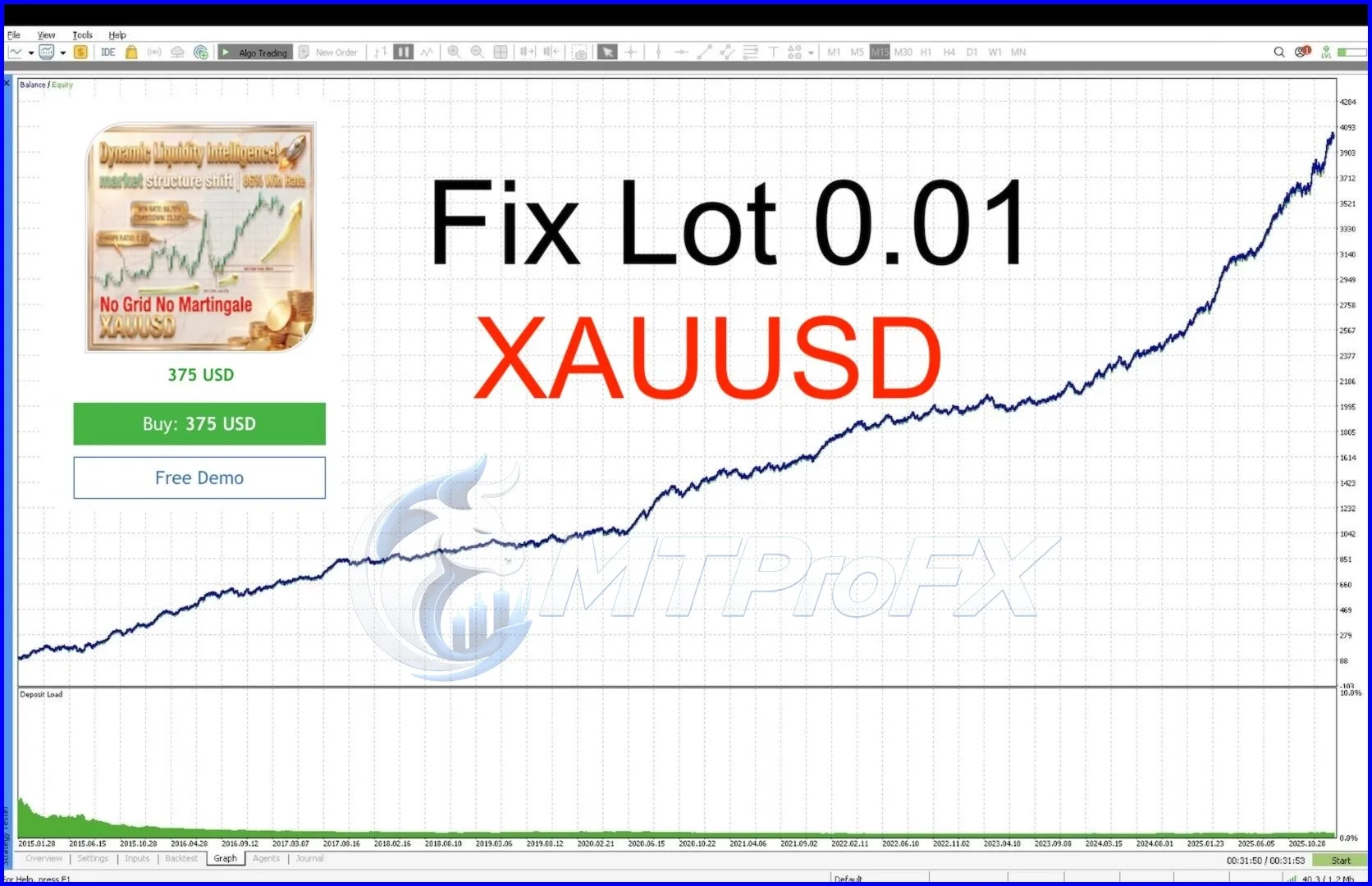
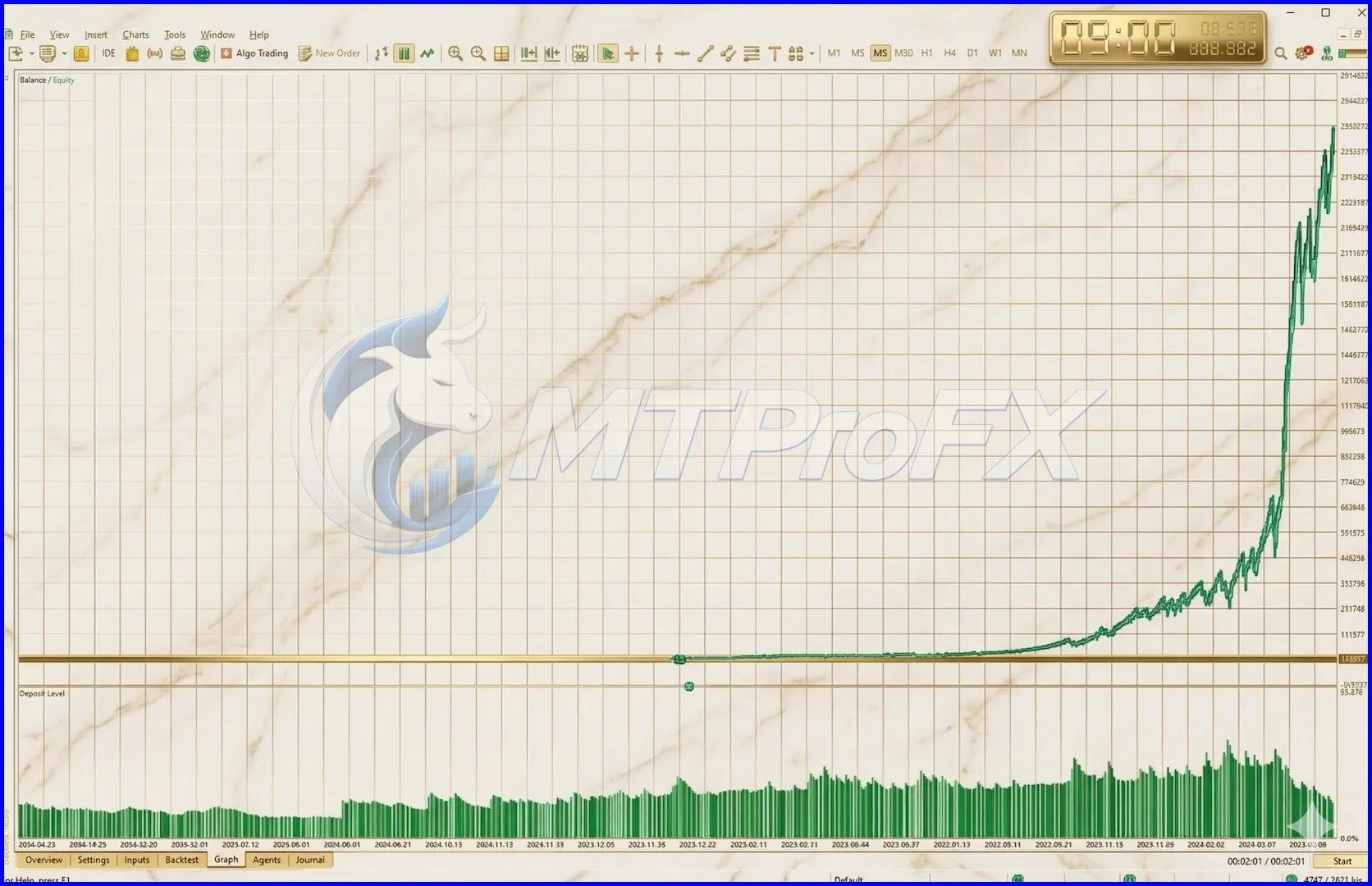
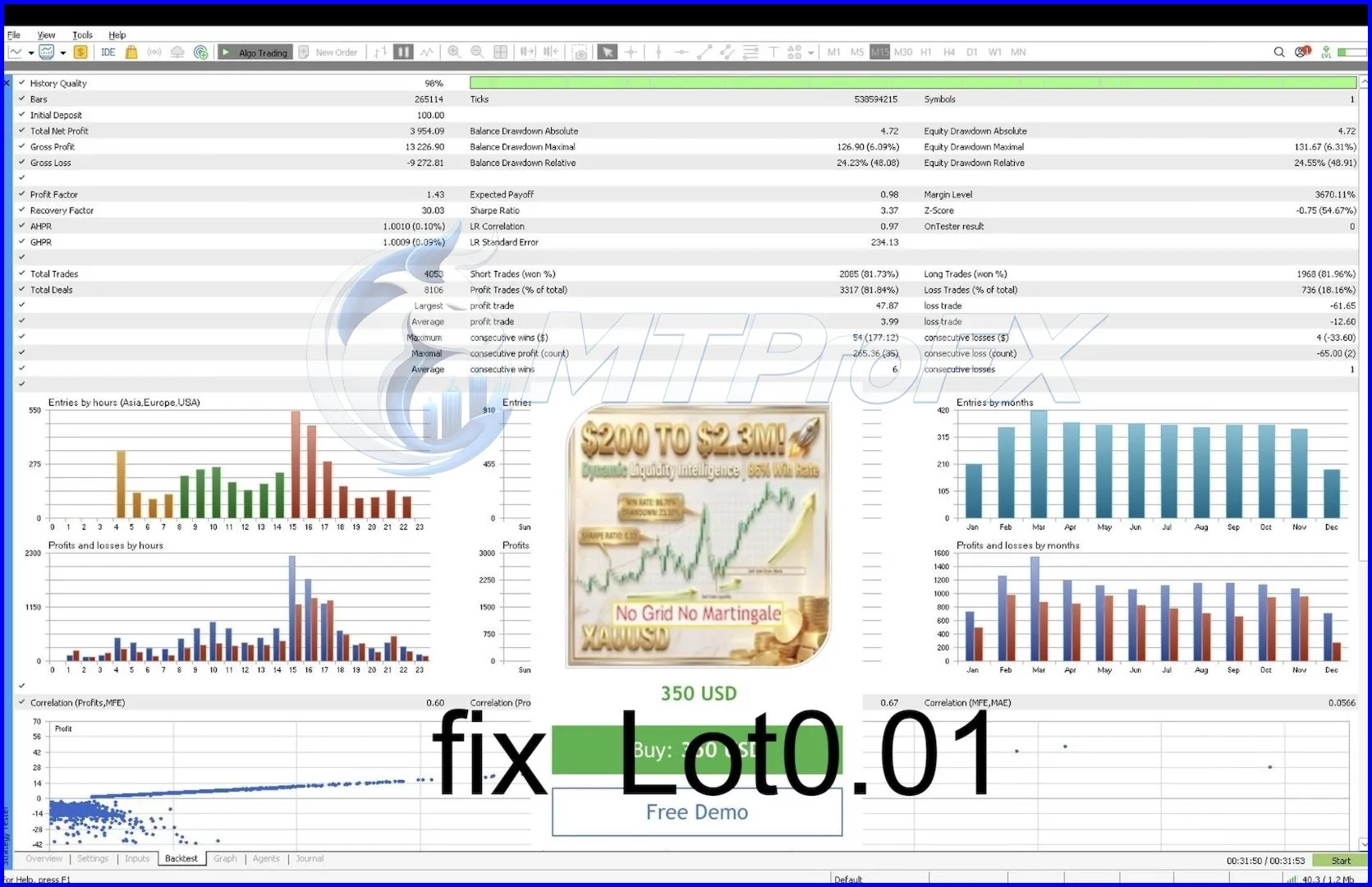
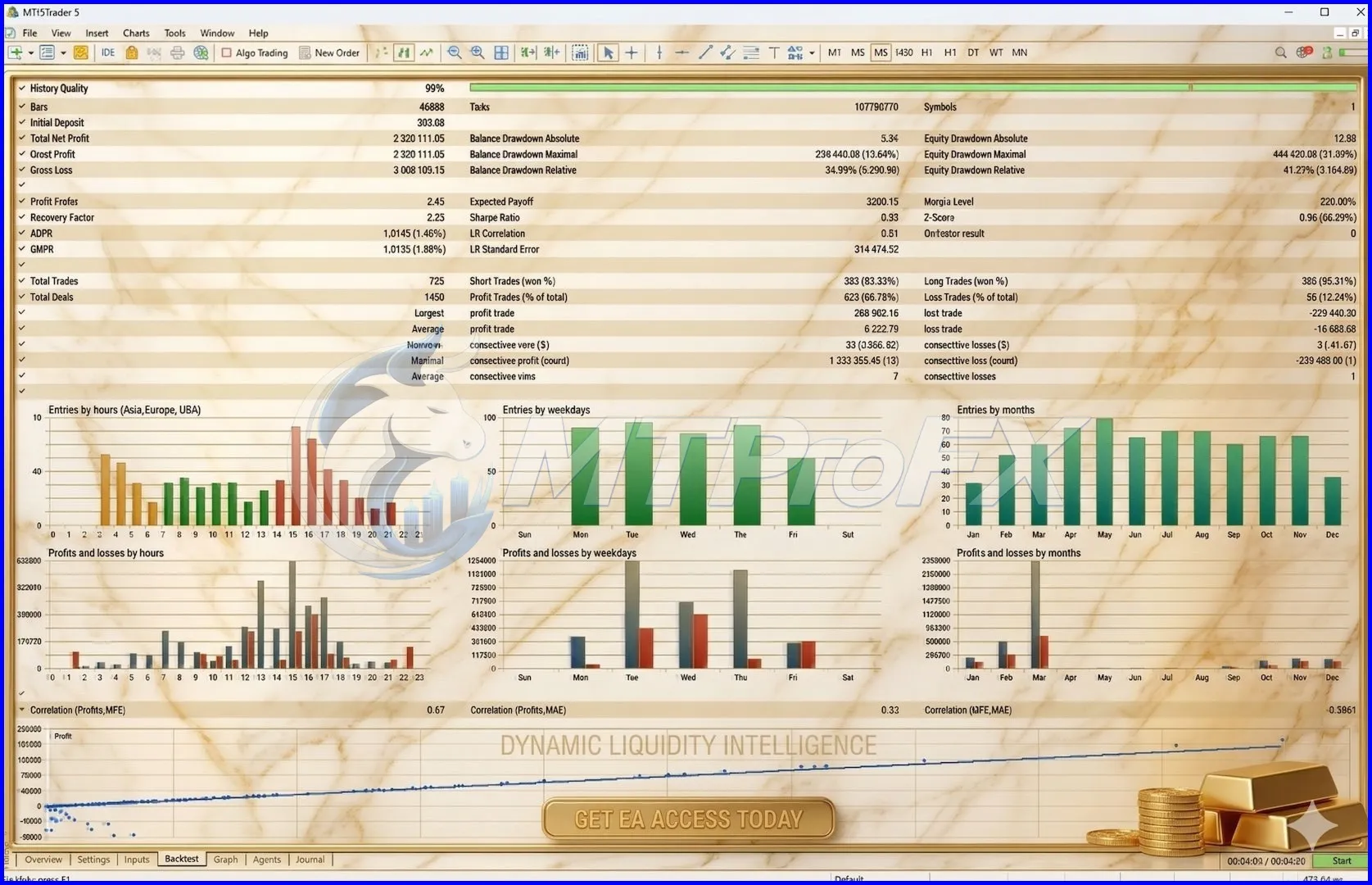
Backtest Results
Get Dynamic Liquidity Intelligence EA MT5 V2.27 FREE (VIP Members Only)
Join a VIP Telegram group to get access. Pick your plan:
Conclusion
☑️ Dynamic Liquidity Intelligence EA MT5 V2.27 is an automated Forex trading solution that emphasizes liquidity-focused trading concepts and execution safeguards. Its highlighted Slippage & Spread Safeguards make execution conditions an important consideration when evaluating the EA.
With MetaTrader 5 compatibility and the potential to evaluate multiple currency pairs, it can be an interesting option for traders exploring algorithmic trading systems.
However, successful automated trading requires proper configuration, suitable broker conditions, regular monitoring, and disciplined risk management. Always test the EA thoroughly on a demo account before considering live trading.
Risk Disclaimer: Forex and CFD trading involve substantial financial risk. Past performance does not guarantee future results. Never trade with money you cannot afford to lose.
What's Included
File Size
120 KB
File Type
ZIP
Downloads
130
Login to add your review.
edgardma@gmail.com
Nov 11, 2026
I tested the EA on a demo account and found the configuration process straightforward. More forward testing is needed before live deployment.
It is an automated Forex Expert Advisor designed for MetaTrader 5, focusing on liquidity-related trading concepts and execution safeguards.
Yes. This version is identified as an MT5 Expert Advisor and is intended for the MetaTrader 5 platform.
These are protective mechanisms intended to help manage unfavorable order execution conditions, including excessive spreads and slippage.
EURUSD, GBPUSD, USDJPY, AUDUSD, and USDCAD are reasonable starting points for testing. Confirm instrument compatibility with the EA documentation.
You can evaluate XAUUSD only if the EA supports the instrument. Test its behavior and execution requirements on a demo account first.
Beginners can explore it on a demo account. However, understanding automated trading, broker conditions, and risk management is important before using real funds.
A VPS is recommended if you want to maintain continuous MT5 connectivity and reduce interruptions caused by computer shutdowns or internet disconnections.
Not necessarily. Compatibility depends on the broker's MT5 environment, execution model, symbol specifications, spreads, and trading restrictions.
No EA can guarantee profits. Performance depends on market conditions, strategy implementation, execution quality, and risk management.
Yes. Historical testing where supported and demo forward testing are strongly recommended before committing real capital.