Back to Products
 0.0 (0 reviews)
Featured
Bestseller
Expert Advisors
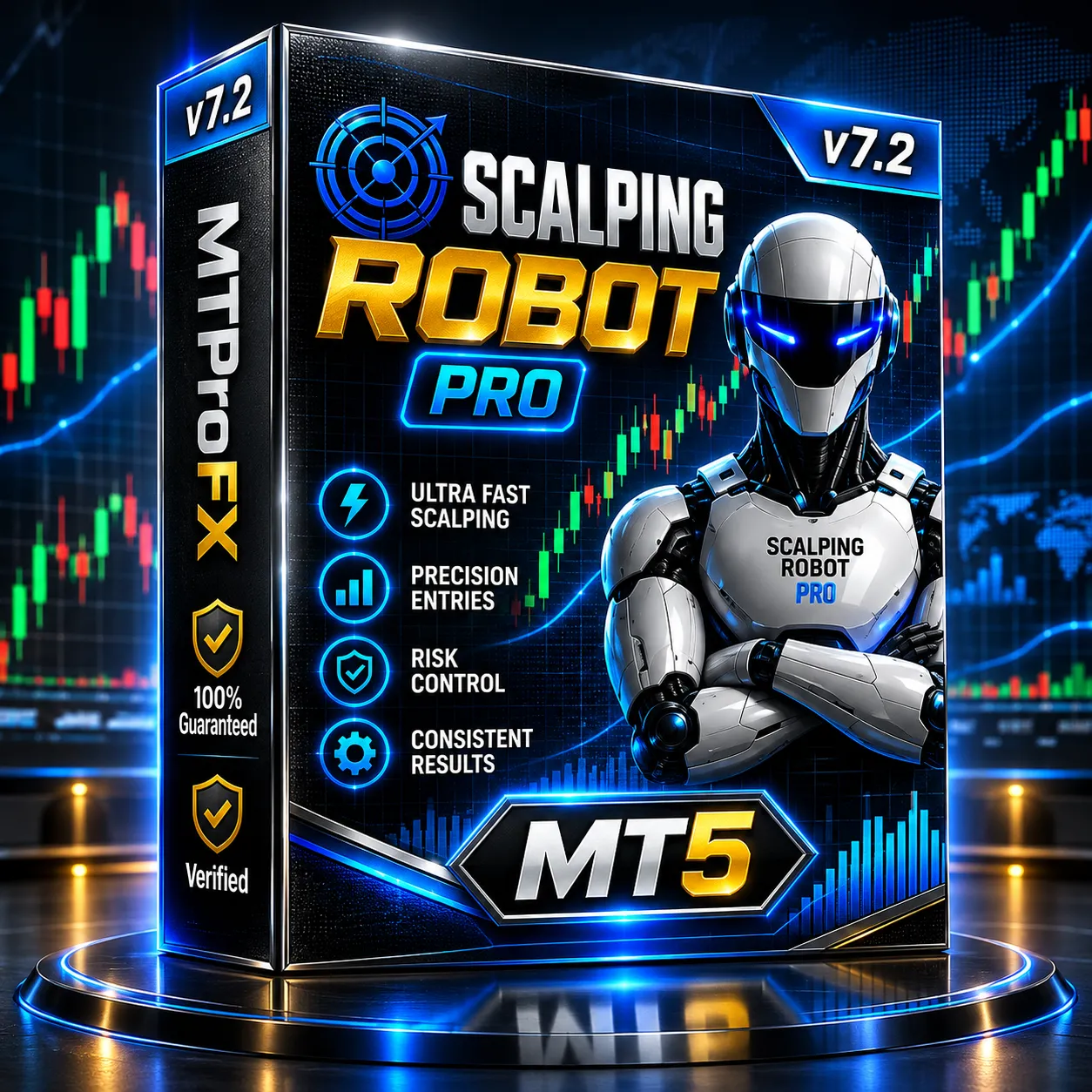
Scalping Robot Pro EA MT5 v7.2 Review – Advanced Forex Scalping Tool
$176.00
$16.99
90.35% OFF☑️ Scalping Robot Pro EA MT5 v7.2 is an automated forex trading tool designed for MetaTrader 5 (MT5). It is intended to help traders identify short-term trading opportunities and automate scalping strategies with configurable trading parameters. Traders can adjust risk settings, lot sizes, stop-loss levels, and execution preferences to suit their trading requirements. Performance depends on market conditions, broker execution, spreads, and account settings.
What is Scalping Robot Pro EA MT5 v7.2?
☑️ Scalping Robot Pro EA MT5 v7.2 is an automated forex trading tool designed for MetaTrader 5 (MT5). It is intended to help traders identify short-term trading opportunities and automate scalping strategies with configurable trading parameters. Traders can adjust risk settings, lot sizes, stop-loss levels, and execution preferences to suit their trading requirements. Performance depends on market conditions, broker execution, spreads, and account settings.
Recommended Trading Currency Pairs
Scalping Robot Pro EA MT5 v7.2 can be evaluated on major forex pairs that generally offer good liquidity and competitive spreads.
Recommended currency pairs for testing include:
☑️ EURUSD: A popular major pair with high liquidity and typically competitive spreads.
☑️ GBPUSD: Offers frequent price movements that may suit short-term trading strategies.
☑️ USDJPY: A widely traded pair with substantial market liquidity.
☑️ AUDUSD: Can provide opportunities during active trading sessions.
☑️ USDCAD: Another major pair worth evaluating for automated scalping.
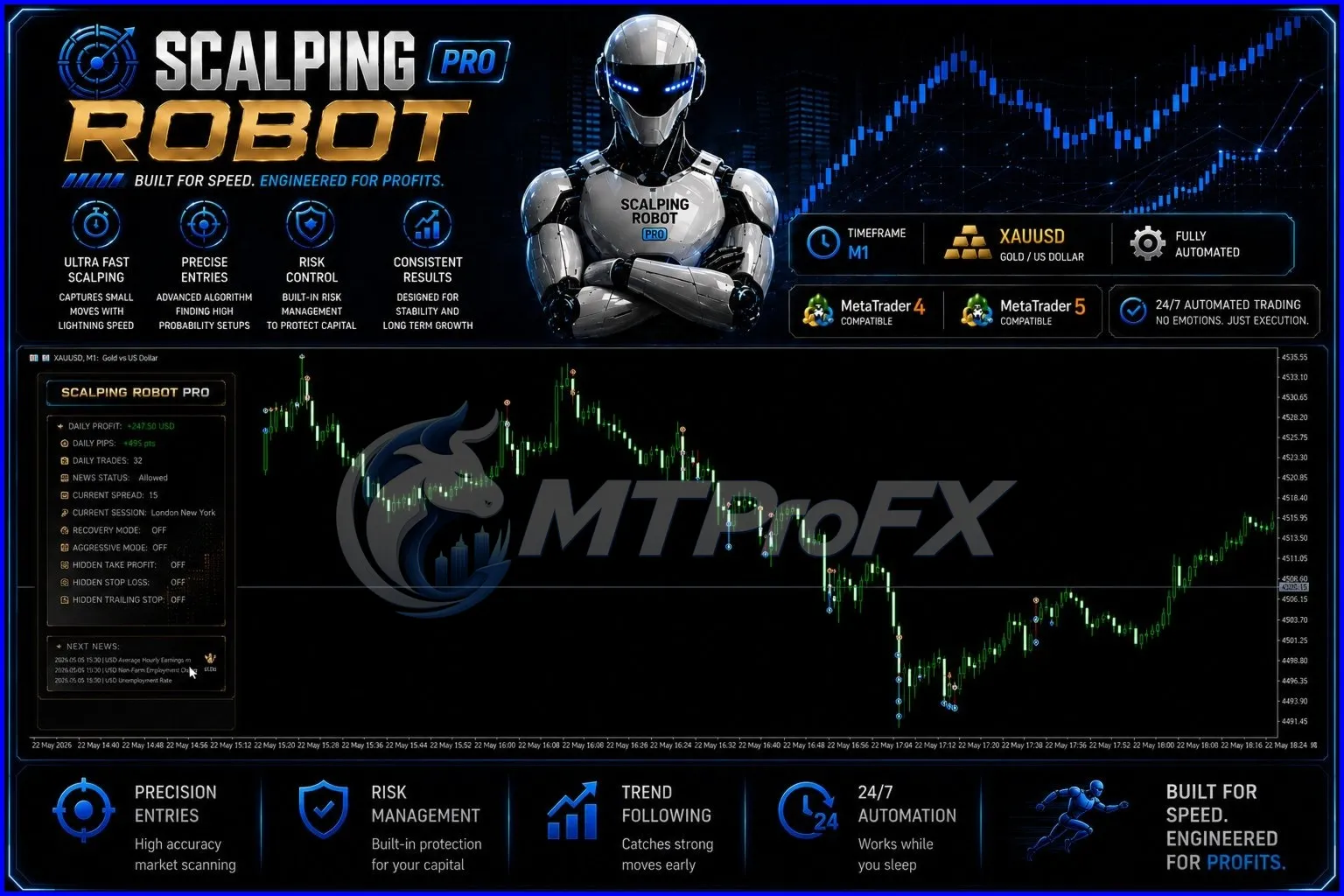
☑️ XAUUSD (Gold): Suitable for traders interested in gold scalping, subject to broker compatibility and careful risk testing.
Recommended Timeframe: M1, M5, or M15 for testing short-term trading strategies.
☑️ Trading Platform: MetaTrader 5 (MT5).
Note: These are suggested testing instruments, not verified default settings or guaranteed profitable trading pairs for this EA.
Scalping Robot Pro EA MT5 v7.2 Features
Maximum Spread Control: Use an appropriate spread limit to avoid entering trades during expensive market conditions, if supported.
Slippage Protection: Check whether the EA provides configurable maximum slippage settings.
Stop-Loss Management: Configure suitable stop-loss levels to control potential losses.
Take-Profit Settings: Set realistic profit targets according to the selected trading instrument.
Trading Session Management: Avoid trading during periods of unusually low liquidity or unstable execution.
Risk Management: Use conservative lot sizes and appropriate risk limits.
Broker Compatibility: Test the EA with your broker's execution conditions, account type, and symbol specifications.
Scalping Robot Pro EA MT5 v7.2 – Best Settings
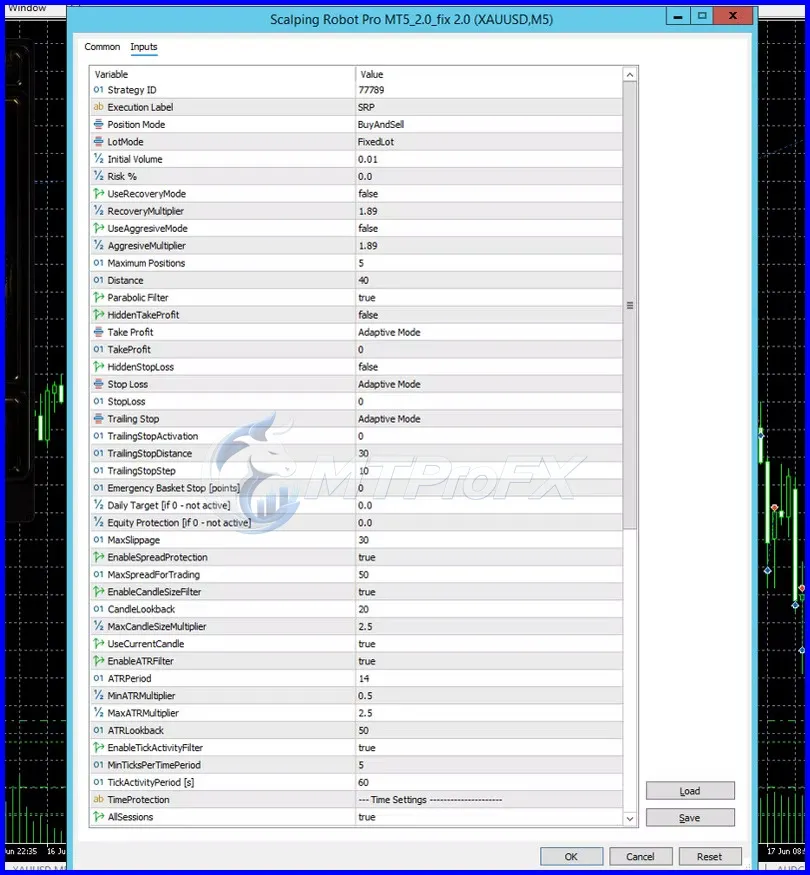
The best settings depend on the selected currency pair, broker, account balance, spread conditions, and market volatility.
For beginners, the following testing approach is recommended:
☑️ Timeframe
Start testing on M5. Compare results with M1 and M15 to identify which timeframe performs more consistently.
☑️ Lot Size
Use the smallest practical fixed lot size or a conservative risk-based position size. Avoid increasing lot sizes aggressively.
☑️ Risk Management
Set conservative risk limits and use stop-loss protection wherever supported. Avoid risking a large percentage of your account on individual trades.
☑️ Spread Settings
If the EA provides a maximum spread parameter, configure it according to your broker's typical spread.
☑️ Trading Sessions
Test the London and New York trading sessions separately to understand how different market conditions affect performance.
☑️ Take Profit and Stop Loss
Use realistic take-profit and stop-loss values based on historical testing rather than selecting settings solely to maximize backtest profits.
☑️ Demo Testing
Run the EA on a demo account before using real money. Monitor execution quality, drawdown, trading frequency, and overall consistency.
There is no universal setting that guarantees profitable results in every market condition.
Instructions for Installing Scalping Robot Pro EA MT5 v7.2
Follow these steps to install Scalping Robot Pro EA MT5 v7.2:
☑️ Step 1. Download the Scalping Robot Pro EA MT5 v7.2 installation file.
☑️ Step 2. Open your MetaTrader 5 trading platform.
☑️ Step 3. Navigate to File → Open Data Folder.
☑️ Step 4. Open the MQL5 → Experts folder.
☑️ Step 5. Copy the EA file into the Experts folder.
☑️ Step 6. Restart MetaTrader 5 or refresh the Expert Advisors section in Navigator.
☑️ Step 7. Open your preferred currency pair chart.
☑️ Step 8. Select your desired timeframe, such as M5.
☑️ Step 9. Drag Scalping Robot Pro EA onto the chart.
☑️ Step 10. Configure the available input parameters according to your risk preferences11. Enable Algo Trading.
☑️ Step 11.Enable Algo Trading.
☑️ Step 12. Monitor the EA to ensure it operates correctly.
Important: Test the installation and trading behaviour on a demo account before switching to a live account.
Who Should Use Scalping Robot Pro EA MT5 v7.2?
This trading tool may be suitable for:
☑️ Forex Scalpers: Traders interested in short-term trading strategies.
☑️ MT5 Users: Traders who prefer the MetaTrader 5 environment.
☑️ Automated Trading Beginners: Users who want to explore algorithmic trading.
☑️ Experienced Traders: Traders who want to test automated scalping approaches.
☑️ Busy Traders: Individuals interested in automating parts of their trading workflow.
☑️ Strategy Testers: Traders who want to evaluate automated strategies using historical and demo-account data.
Users should understand the risks of automated trading before connecting any EA to a live account.
Download Scalping Robot Pro EA MT5 v7.2
Download Scalping Robot Pro EA MT5 v7.2Pros and Cons
Pros
Designed for automated forex trading.
Compatible with the MetaTrader 5 platform.
Intended for short-term trading opportunities.
Offers configurable trading parameters.
Can be evaluated across different currency pairs.
Reduces the need for manually monitoring every potential trading opportunity.
Suitable for backtesting and demo-account evaluation.
Cons
Requires a compatible MT5 broker.
Performance can vary depending on market conditions.
Spread and slippage can affect scalping results.
Requires proper configuration and monitoring.
Live trading involves financial risk.
Profitability is not guaranteed.
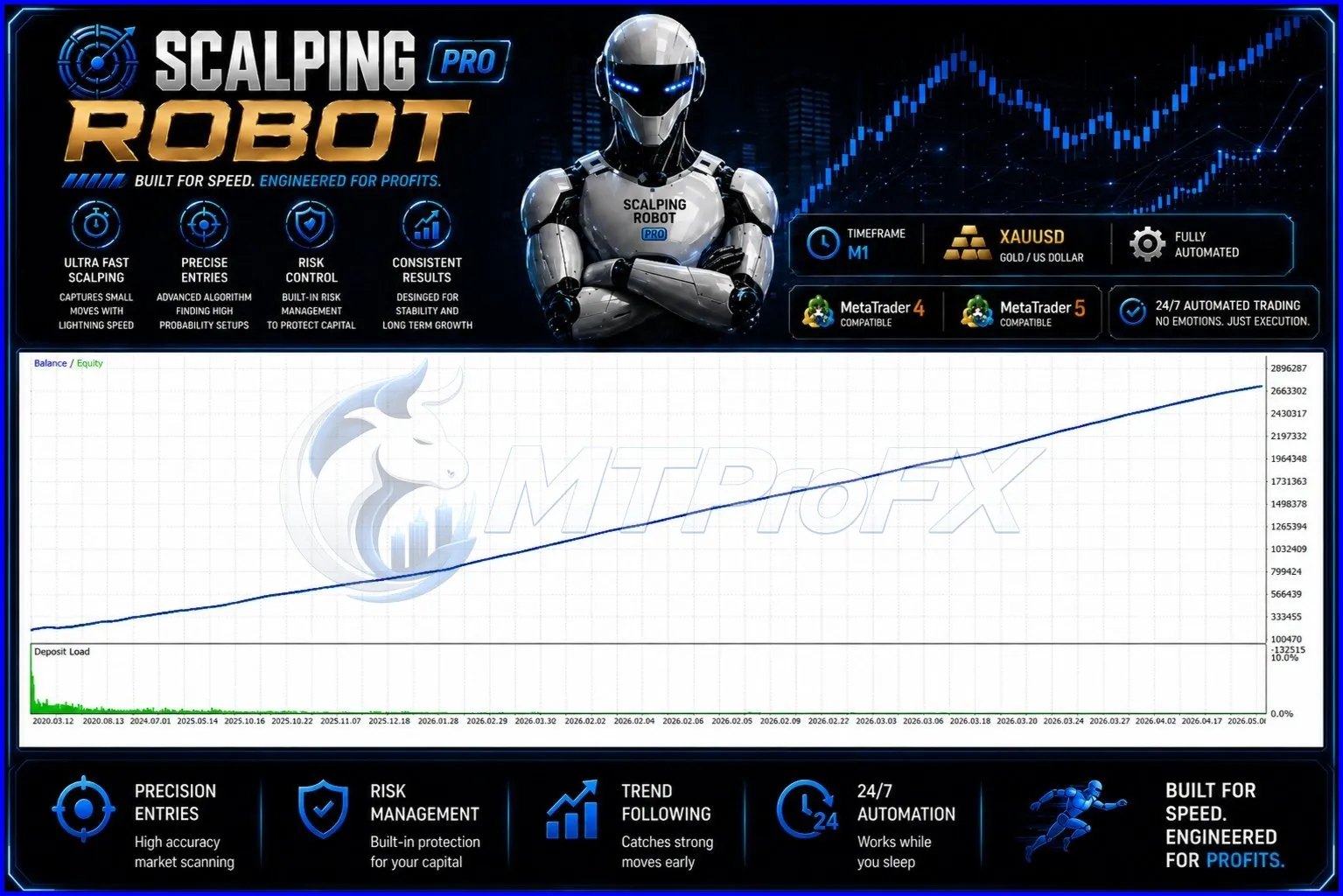
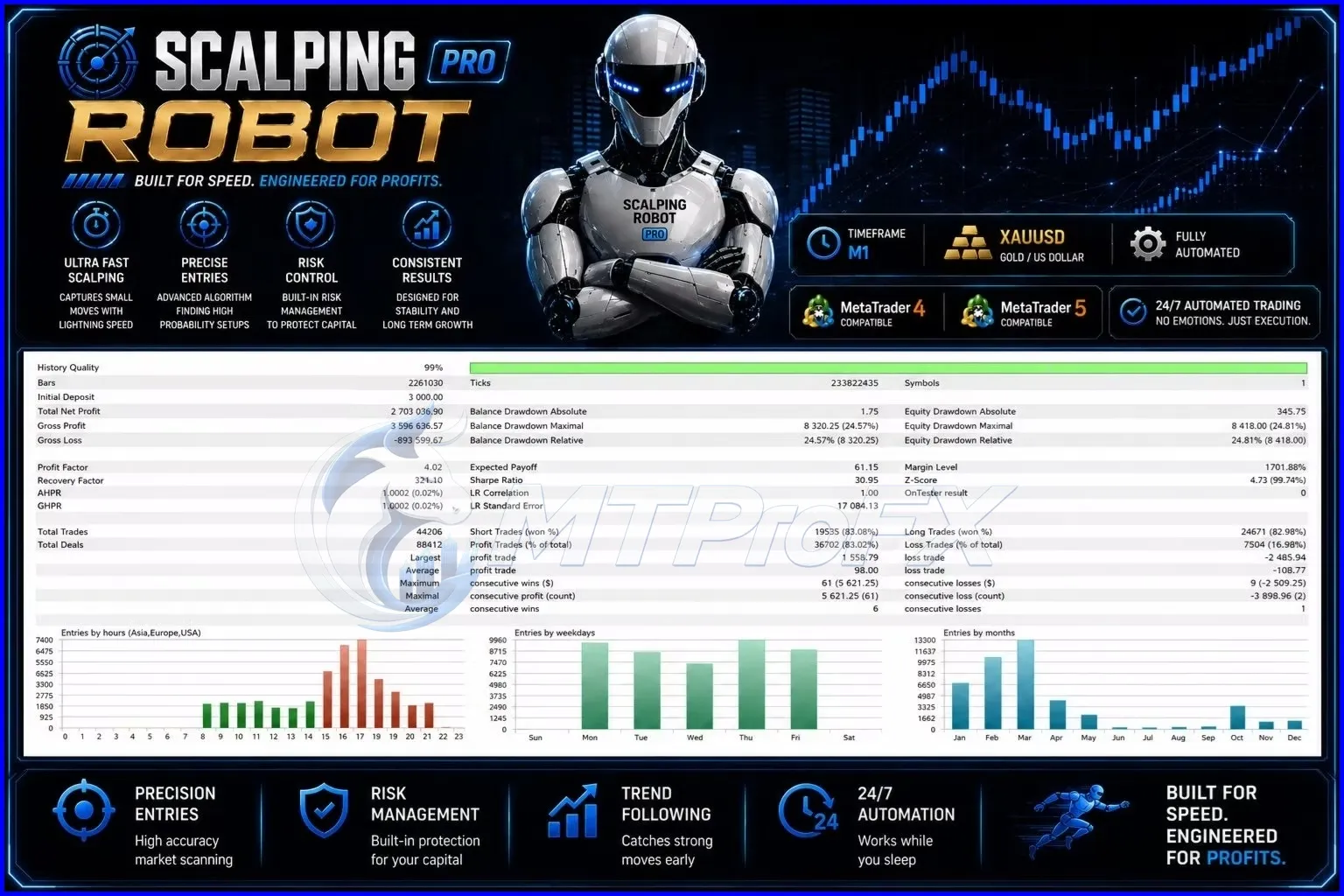
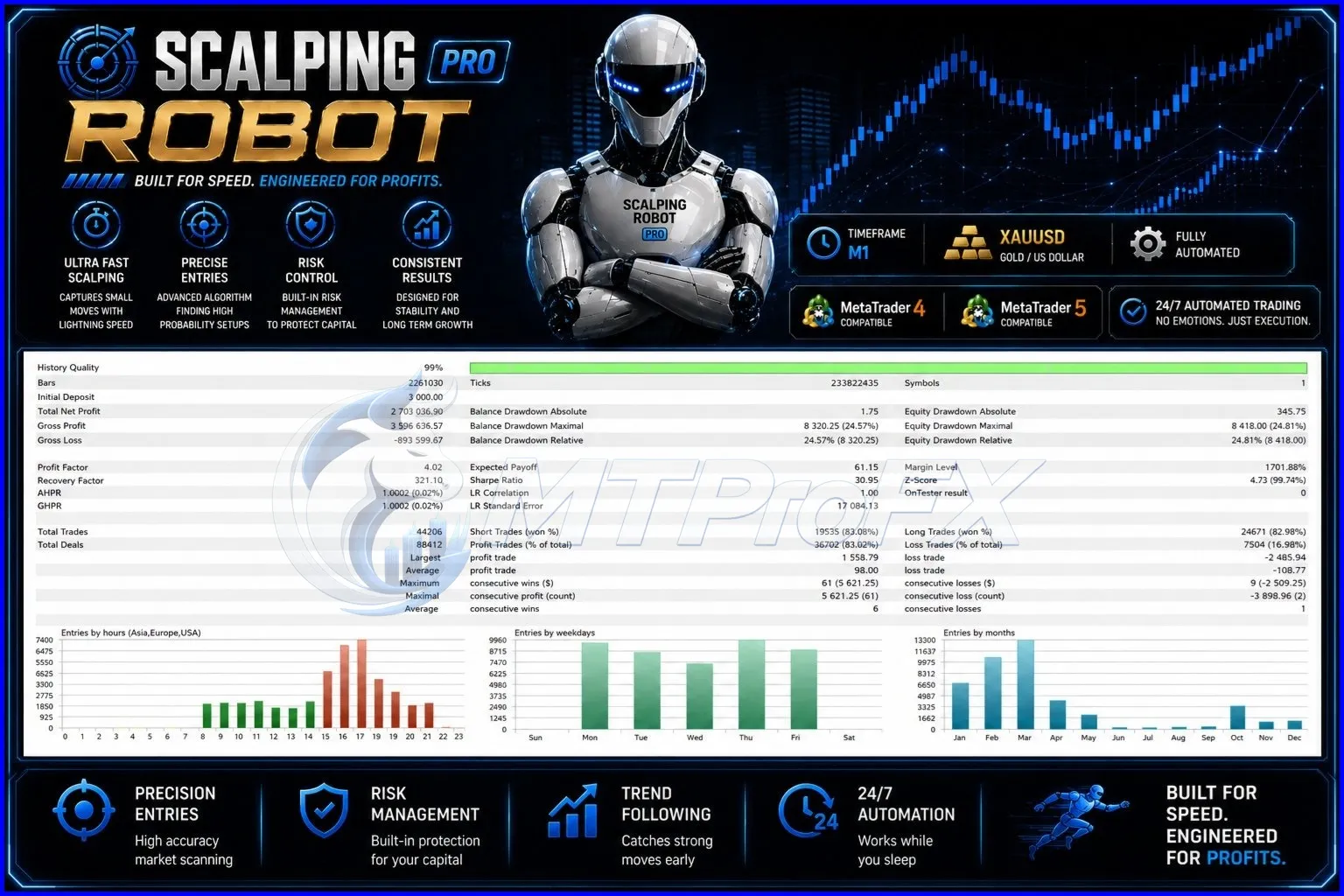
Backtest Results
Conclusion
☑️ Scalping Robot Pro EA MT5 v7.2 is an automated forex trading tool designed for traders interested in short-term trading opportunities through MetaTrader 5. Its configurable trading environment makes it a candidate for testing different currency pairs, timeframes, and risk-management approaches.
Before using it on a live trading account, traders should evaluate its historical performance, execution quality, drawdown, spread requirements, and compatibility with their broker.
For the best evaluation experience, start with conservative settings, conduct thorough backtesting, and use a demo account before committing real capital.
What's Included
File Size
373 KB
File Type
ZIP
Downloads
146
Login to add your review.
lofiastel@gmail.com
Nov 09, 2026
Easy to install and configure on MT5. I like having the option to test automated trading strategies before using a live account.
Scalping Robot Pro EA MT5 v7.2 is an automated trading tool designed for the MetaTrader 5 platform to assist traders with short-term forex trading strategies.
No. The product version discussed here is designed for MetaTrader 5 (MT5). An MT4-compatible version would need to be confirmed separately.
EURUSD, GBPUSD, USDJPY, AUDUSD, and USDCAD are useful starting points for testing. XAUUSD can also be evaluated if the EA and broker support it.
M1, M5, and M15 are suggested testing timeframes for scalping strategies. M5 is a reasonable starting point for initial evaluation.
A VPS is recommended if you want the EA to operate continuously without relying on your personal computer being switched on and connected to the internet.
Yes, beginners can learn to configure and test automated trading tools. However, they should understand basic forex trading and risk management before using real money.
No. No forex EA can guarantee profits. Results depend on market conditions, broker execution, trading costs, and risk settings.
It may be possible with a compatible broker, but demo testing and careful performance evaluation are recommended before live deployment.
Look for a regulated broker offering competitive spreads, reliable execution, low latency, and trading conditions compatible with your EA.
Use suitable risk settings, test different timeframes, monitor spreads and slippage, optimize parameters carefully, and regularly evaluate drawdown and execution quality.