Back to Products
 0.0 (0 reviews)
Featured
Bestseller
Expert Advisors
Supply Demand EA ProBot MT4 – Smart Forex Trading EA for MT4
$252.00
$16.99
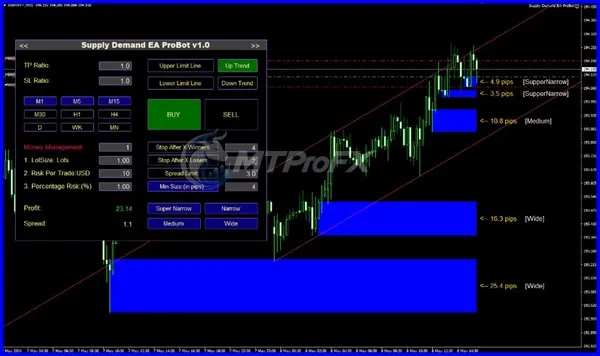
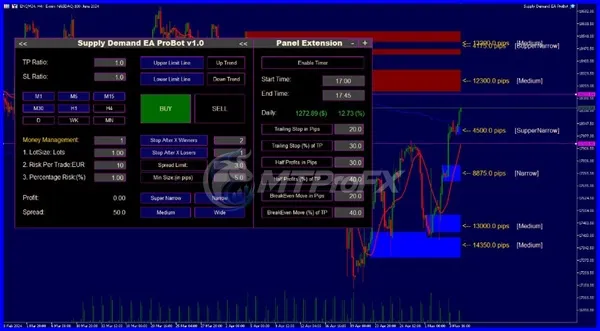
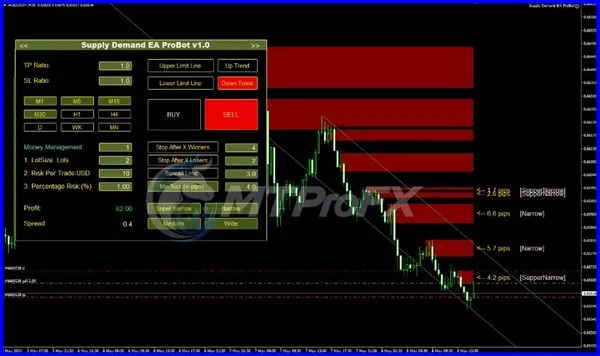
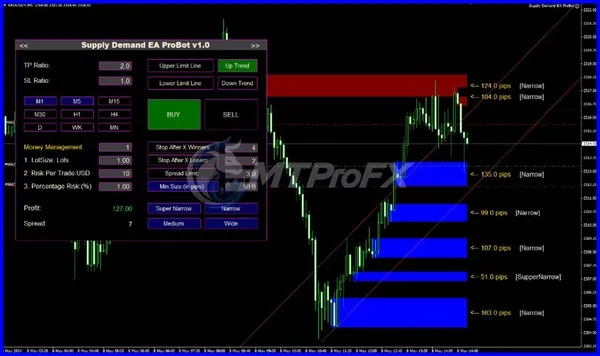
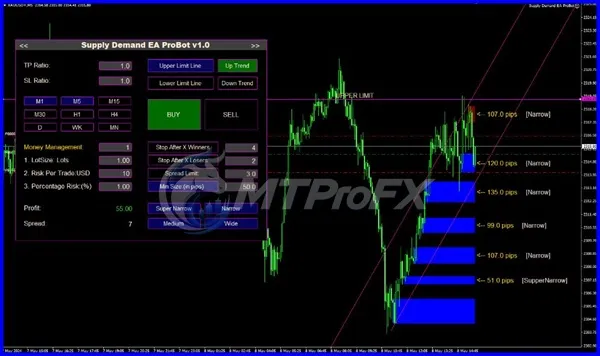
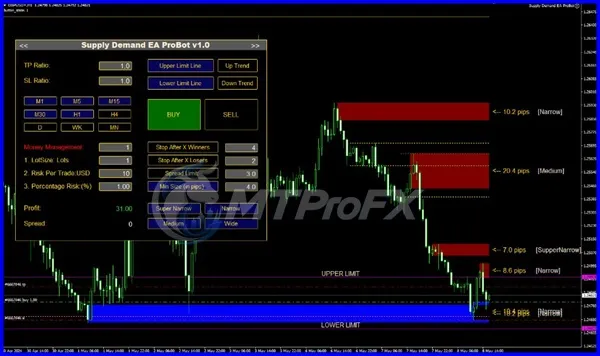
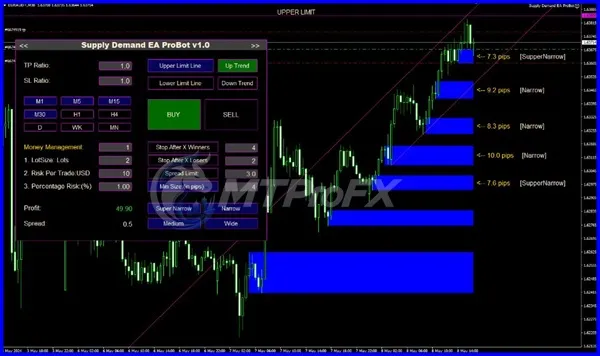
93.26% OFF☑️ Supply Demand EA ProBot MT4 is a MetaTrader 4 (MT4) Expert Advisor designed around supply-and-demand trading concepts. It can help traders automate trade execution based on predefined market conditions, reducing the need to manually monitor charts throughout the trading session. It is intended for traders who want to explore an automated approach to supply-and-demand-based Forex trading while maintaining control over important parameters such as risk, lot size, trading sessions, and trade management.
What is Supply Demand EA ProBot MT4?
☑️ Supply Demand EA ProBot MT4 is an automated Forex Expert Advisor for MetaTrader 4 that uses supply-and-demand concepts to identify potential trading opportunities and automate trade execution. It is designed for traders who want to test and implement an automated trading approach with customizable parameters.
Recommended Trading Currency Pairs
Supply Demand EA ProBot MT4 can be considered for major and liquid Forex pairs such as:
☑️ EUR/USD
☑️ GBP/USD
☑️ USD/JPY
☑️ USD/CHF
☑️ AUD/USD
☑️ USD/CAD
☑️ NZD/USD
☑️ EUR/GBP
☑️ EUR/JPY
☑️ GBP/JPY
For live trading, traders should test the EA on their chosen pairs first because performance can vary according to market conditions, spreads, broker execution, and account settings.
☑️ EUR/USD
☑️ GBP/USD
☑️ USD/JPY
☑️ USD/CHF
☑️ AUD/USD
☑️ USD/CAD
☑️ NZD/USD
☑️ EUR/GBP
☑️ EUR/JPY
☑️ GBP/JPY
For live trading, traders should test the EA on their chosen pairs first because performance can vary according to market conditions, spreads, broker execution, and account settings.
Supply Demand EA ProBot MT4 Features
Supply-and-demand-based trading approach
Designed for MetaTrader 4
Automated trade execution
Customizable trading parameters
Adjustable lot and risk settings
Stop-loss and take-profit management
Suitable for strategy testing through MT4 Strategy Tester
Can reduce the need for continuous manual chart monitoring
Supports automated trading when configured correctly
Useful for testing different currency pairs and timeframes
Supply Demand EA ProBot MT4 – Best Settings
There is no single setting that is guaranteed to be optimal for every broker, account, currency pair, or market condition.
For initial testing, traders can start with moderate risk settings, conservative lot sizing, and the EA's default parameters. Test different timeframes and major currency pairs using the MT4 Strategy Tester before considering a live account.
For live use, consider:
☑️ Start with low risk per trade.
☑️ Avoid aggressive lot multipliers.
☑️ Test the EA with your specific broker.
☑️ Check spread and execution conditions.
☑️ Use a sensible stop-loss configuration where available.
☑️ Forward-test on a demo account before going live.
☑️ Review drawdown rather than focusing only on profit.
The most appropriate configuration should be determined from backtesting and forward testing rather than assuming one preset works universally.
For initial testing, traders can start with moderate risk settings, conservative lot sizing, and the EA's default parameters. Test different timeframes and major currency pairs using the MT4 Strategy Tester before considering a live account.
For live use, consider:
☑️ Start with low risk per trade.
☑️ Avoid aggressive lot multipliers.
☑️ Test the EA with your specific broker.
☑️ Check spread and execution conditions.
☑️ Use a sensible stop-loss configuration where available.
☑️ Forward-test on a demo account before going live.
☑️ Review drawdown rather than focusing only on profit.
The most appropriate configuration should be determined from backtesting and forward testing rather than assuming one preset works universally.
Instructions for Installing Supply Demand EA ProBot MT4
Step 1) Download Supply Demand EA ProBot MT4.
Step 2) Open MetaTrader 4.
Step 3) Click File → Open Data Folder.
Step 4) the MQL4 → Experts folder.
Step 5) Copy the EA .ex4 or .mq4 file into the Experts folder.
Step 6) Restart MetaTrader 4 or refresh the Navigator panel.
Step 7) Find the EA under Navigator → Expert Advisors.
Step 8) Open your preferred Forex chart.
Step 9) Drag Supply Demand EA ProBot MT4 onto the chart.
Step 10) Enable AutoTrading.
Step 11) Configure the EA parameters according to your testing results.
Step 12) Monitor the EA carefully during initial demo and forward testing.
Step 2) Open MetaTrader 4.
Step 3) Click File → Open Data Folder.
Step 4) the MQL4 → Experts folder.
Step 5) Copy the EA .ex4 or .mq4 file into the Experts folder.
Step 6) Restart MetaTrader 4 or refresh the Navigator panel.
Step 7) Find the EA under Navigator → Expert Advisors.
Step 8) Open your preferred Forex chart.
Step 9) Drag Supply Demand EA ProBot MT4 onto the chart.
Step 10) Enable AutoTrading.
Step 11) Configure the EA parameters according to your testing results.
Step 12) Monitor the EA carefully during initial demo and forward testing.
Who Should Use Supply Demand EA ProBot MT4?
Supply Demand EA ProBot MT4 may be suitable for:
☑️ Forex traders interested in automated trading.
☑️ MT4 users exploring supply-and-demand strategies.
☑️ Traders who want to reduce manual chart monitoring.
☑️ Beginners learning how Expert Advisors work.
☑️ Experienced traders who want to backtest automated strategies.
☑️ Traders experimenting with different pairs and risk configurations.
It is not a substitute for understanding risk management, broker conditions, or the limitations of automated trading.
☑️ Forex traders interested in automated trading.
☑️ MT4 users exploring supply-and-demand strategies.
☑️ Traders who want to reduce manual chart monitoring.
☑️ Beginners learning how Expert Advisors work.
☑️ Experienced traders who want to backtest automated strategies.
☑️ Traders experimenting with different pairs and risk configurations.
It is not a substitute for understanding risk management, broker conditions, or the limitations of automated trading.
Download Supply Demand EA ProBot MT4
Download Supply Demand EA ProBot MT4Pros and Cons
Pros
Automates trade execution.
Based on a recognizable supply-and-demand trading concept.
Designed for MT4.
Can be backtested before live deployment.
Provides configurable trading parameters.
Can monitor markets without requiring constant manual intervention.
Cons
Results can vary between brokers and market conditions.
Historical backtests do not guarantee future performance.
Incorrect risk settings can increase drawdown.
Requires testing and monitoring.
Automated trading does not eliminate market risk.
Backtest Results
Get Supply Demand EA ProBot MT4 FREE (VIP Members Only)
Join a VIP Telegram group to get access. Pick your plan:
Conclusion
☑️ Supply Demand EA ProBot MT4 provides MT4 traders with an automated way to explore supply-and-demand-based Forex trading. Its configurable parameters and compatibility with MT4 testing tools make it suitable for traders who want to evaluate an automated strategy before committing real capital.
For better risk control, start with backtesting, continue with demo forward testing, and use conservative position sizing when evaluating the EA on a live account.
For better risk control, start with backtesting, continue with demo forward testing, and use conservative position sizing when evaluating the EA on a live account.
What's Included
File Size
259 KB
File Type
ZIP
Downloads
142
Login to add your review.
peterjames1@gmail.com
Sep 27, 2026
The EA was straightforward to install on MT4, and I liked having different parameters available for testing
Supply Demand EA ProBot MT4 is an Expert Advisor designed for MetaTrader 4 that automates Forex trading using supply-and-demand-based trading concepts.
Yes. The EA is specifically designed for the MT4 platform.
It can be tested on major and other liquid Forex pairs, including EUR/USD, GBP/USD, USD/JPY, AUD/USD, USD/CAD, and GBP/JPY.
There is no universally best timeframe. Traders should backtest different timeframes and select configurations that match their trading objectives and risk tolerance.
Yes, beginners can use it as a learning and testing tool, but they should understand basic MT4 operation and risk management before using an EA with real money.
Yes. Backtesting and demo forward testing are strongly recommended before live deployment.
The available parameters depend on the specific version of the EA. Users should review each parameter and test changes before applying them to a live account.
No. No Forex Expert Advisor can guarantee profits. Trading results can change because of market conditions, spreads, slippage, broker execution, and configuration.