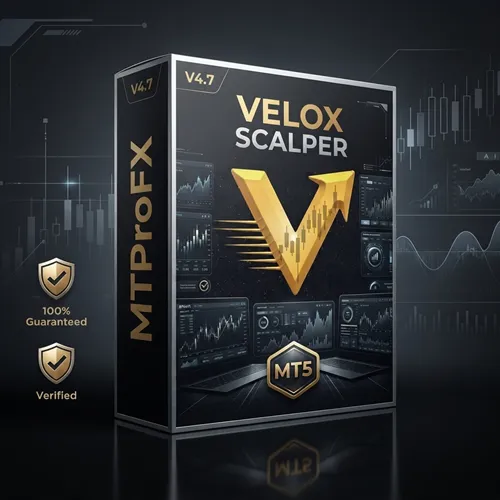
VELOX SCALPER (XAU) MT5 v4.7
$16.99
91.46% OFFVELOX SCALPER (XAU) MT5 v4.7 is an automated forex trading robot designed specifically for trading Gold (XAUUSD) on the MetaTrader 5 platform. This Expert Advisor (EA) focuses on fast market movements and short-term scalping opportunities using advanced entry and exit algorithms. The EA is optimized for traders who prefer automated gold trading with risk-management features and high-frequency trade execution. VELOX SCALPER aims to capture small but frequent profits during volatile market sessions.
What is VELOX SCALPER EA (XAU) MT5 v4.7?
The EA is optimized for traders who prefer automated gold trading with risk-management features and high-frequency trade execution. VELOX SCALPER aims to capture small but frequent profits during volatile market sessions.
Recommended Trading Currency Pairs
✅ XAUUSD.m – Excellent option for brokers using suffix-based Gold symbols.
✅ GOLDmicro – Good choice for smaller accounts and micro lot trading.
✅ XAUEUR – Moderate performance compared to standard Gold pairs.
VELOX SCALPER EA (XAU) MT5 v4.7 Features
VELOX SCALPER EA (XAU) MT5 v4.7 – Best Settings
✅ Risk Level: 1% – 3%
✅ Lot Size: Auto Lot Enabled
✅ Trading Session: London & New York sessions
✅ Spread Filter: Enabled
✅ News Filter: Enabled
Instructions for Installing VELOX SCALPER EA (XAU) MT5 v4.7
Download the Velox Scalper EA MT5 v4.7 file and save it to your computer.
✅ Step 2 – Open MetaTrader 5
Launch MetaTrader 5 on your PC or VPS.
✅ Step 3 – Access Data Folder
Go to:
File → Open Data Folder
Then open:
MQL5 → Experts
✅ Step 4 – Copy the EA File
Paste the EA file into the Experts folder.
✅ Step 5 – Restart MT5
Restart the platform or refresh the Navigator panel.
✅Step 6 – Attach EA to Chart
Open your preferred currency pair chart
Select M1 or M5 timeframe
Drag the EA onto the chart
Enable “AutoTrading”
✅ Step 7 – Configure Settings
Adjust risk, lot size, and filters according to your trading preference.
Who Should Use VELOX SCALPER EA (XAU) MT5 v4.7?
Gold scalping traders
MT5 automated trading users
Traders seeking short-term opportunities
VPS users wanting 24/5 automation
Experienced traders managing risk carefully
It may not be ideal for traders who:
Prefer long-term swing trading
Use high-spread brokers
Cannot monitor risk exposure
Pros and Cons
Pros
Cons
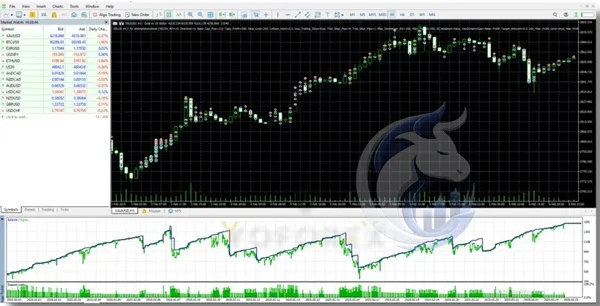
Backtest Results
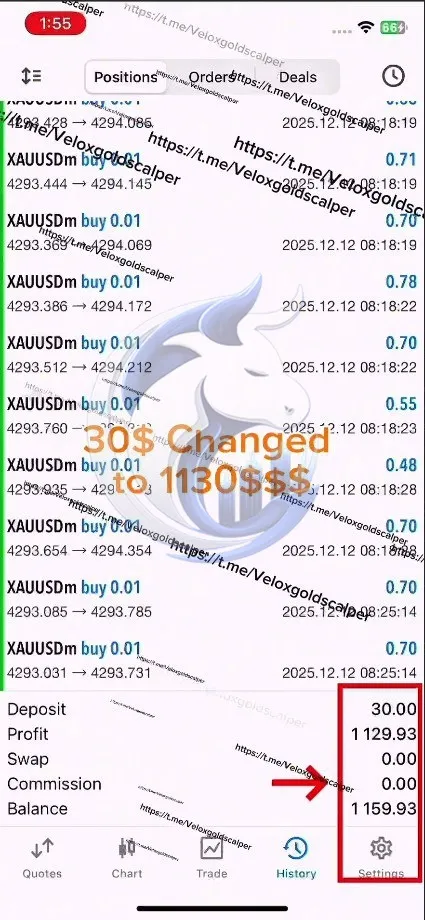
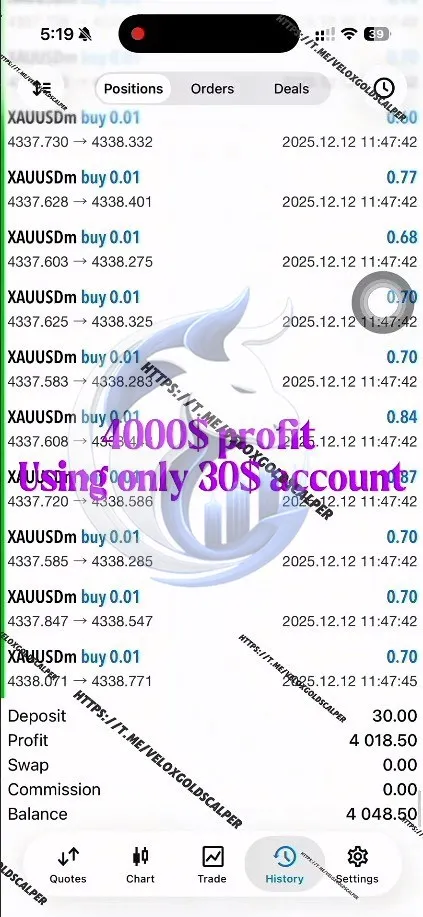
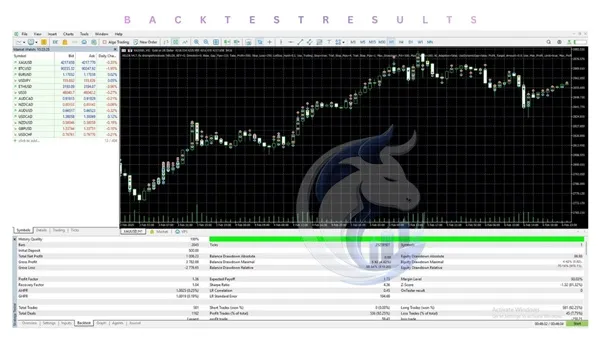
Conclusion
As with any automated trading system, proper risk management, VPS hosting, and broker selection are critical for achieving stable long-term performance.
What's Included
Login to add your review.
Consistent trading results and very beginner-friendly setup process. Works best with ECN brokers and proper risk settings.
“VELOX SCALPER (XAU) MT5 v4.7 has been one of the best Gold EAs I’ve used. Fast execution, smooth setup, and very good performance during London and New York sessions.”